Phase 6D integration live

Teach it.Play it.Master it.

The Big Blue Board brings together mobile classroom study, question-bank tools, live sessions, and the original host-controlled game-show experience.

No landing-page account required. Choose the experience that fits your room.

Cloud + ClassicTwo separate, reliable applications
Instructor controlledBuilt around real classroom workflow
Mobile readyStudents join from phones or tablets
Offline optionClassic BBB remains downloadable
Choose your experience

Two builds. One big blue ecosystem.

BBB Study and BBB Classic are independently deployed, so each can evolve without putting the other at risk.

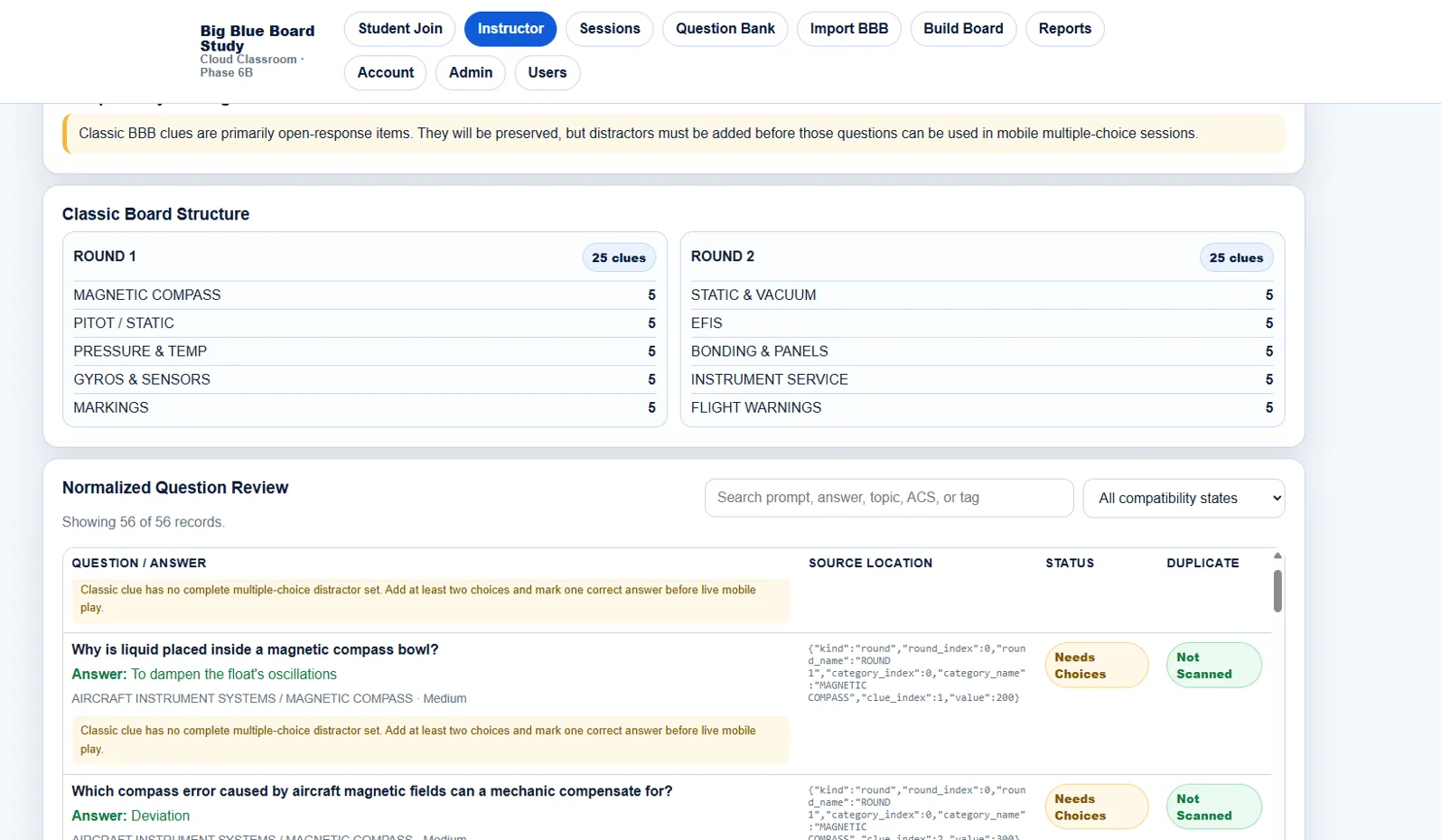
Big Blue Board Study question import and review interface
Cloud classroom

Big Blue Board Study

Build question banks, run live mobile sessions, track responses, organize content, and move Classic BBB material into the cloud.

  • Instructor accounts and permissions
  • Student room-code participation
  • Question Bank Studio and Board Builder
  • Reporting, imports, and rollback protection
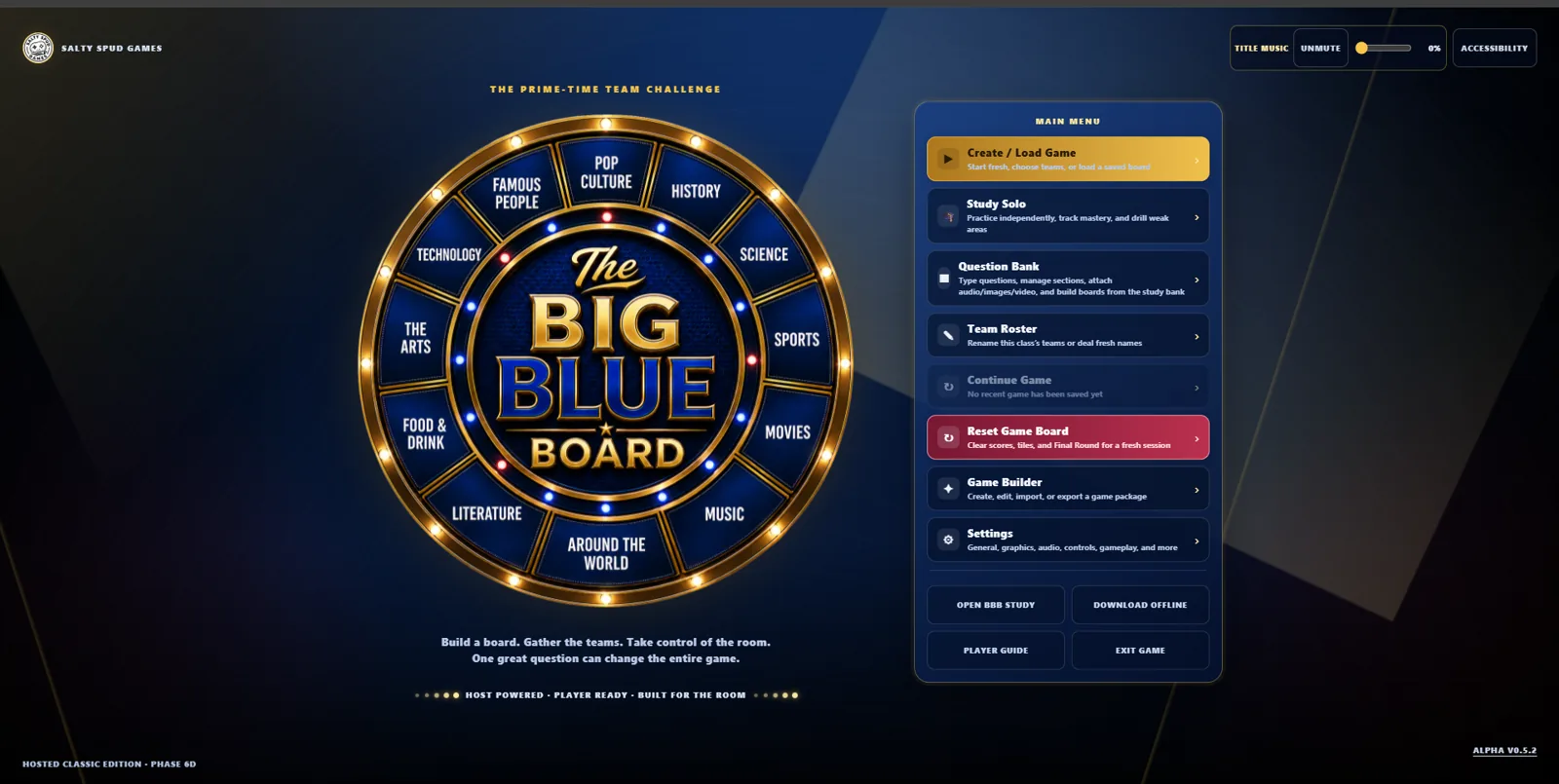
Classic Big Blue Board game title screen
Host-controlled game

Big Blue Board Classic

Bring the room to life with the original game-show board, local team play, Study Solo, custom boards, themes, music, and sound effects.

  • Team Mode, scoring, and Final Round
  • Study Solo and Question Bank tools
  • Game Builder and JSON saves
  • Hosted online and downloadable offline
Built for actual classrooms

Flexible enough for the lesson. Tough enough for the room.

Use the cloud app for connected participation or switch to Classic for a full host-driven experience.

01

Shared content path

Preview and import original BBB question content into the cloud with controlled compatibility checks.

02

Separate deployments

Classic and Study run as independent Vercel projects with independent updates and rollbacks.

03

Classroom resilience

Classic remains usable as a downloadable offline package when internet access is unavailable.

04

Instructor-first workflow

Create, organize, teach, review, and reuse questions without rebuilding the same material from scratch.

How it works

Build once. Use it where it fits best.

Prepare

Create or import content

Organize questions by bank, section, subsection, difficulty, reference, and ACS alignment.

Engage

Run a connected session

Students join BBB Study on their devices while the instructor manages the live classroom experience.

Bring the show

Launch Classic BBB

Use the original game board for teams, scoring, music, transitions, tiebreakers, and Final Round.

Built by an educator

Designed from the front of the classroom.

The Big Blue Board was developed by Allen “Tator” Bowman, a retired U.S. Navy Senior Chief and aviation maintenance educator. The platform grew from a practical need: make review more engaging, keep instructors in control, and give learners more ways to practice.

What began as a classroom game has grown into a connected study ecosystem—with the original experience preserved instead of discarded.

Common questions

Pick the right board for the moment.

What is the difference between Study and Classic?

BBB Study is the cloud classroom platform for accounts, mobile participation, question banks, sessions, and reports. BBB Classic is the host-controlled game-show application.

Do students need to install anything?

No. BBB Study runs in a modern browser on phones, tablets, and computers. Classic also runs in a browser.

Can Classic BBB work without internet?

Yes. A downloadable offline package remains available for instructors who need a local fallback.

Are the two systems one application?

No. They are intentionally separate builds connected by launch links and controlled content compatibility tools.

Ready to bring the room to life?

Start with the cloud classroom or jump straight into the classic game.